What you will learn
-
Learn 4D BIM from Scratch
-
Resource and Task Linking
-
Advanced Features and Animation
-
High-Demand Skillset in the Industry
-
Import Schedules and 3D Models
-
Practice-Based Learning
-
Explore SYNCHRO Ecosystem Tools
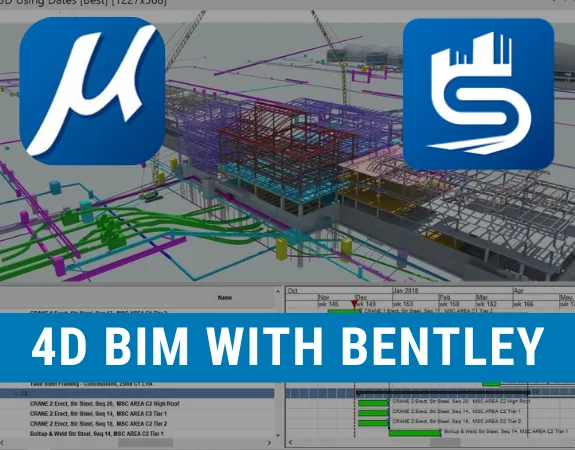
The SYNCHRO 4D Construction Planning & Simulation course is specially designed for construction planners, BIM modelers, civil engineers, architects, and project management professionals who want to develop advanced skills in 4D BIM scheduling, construction sequencing, and project simulation. Developed in line with modern construction industry practices, this course focuses on integrating 3D models with project schedules to visualize, coordinate, and simulate construction activities using Bentley SYNCHRO 4D.
Whether you're working as a Planning Engineer, BIM Engineer, Construction Planner, Project Manager, or BIM Coordinator for a client, consultant, contractor, or subcontractor, this course is perfect for you. It is also ideal for freelancers, students, and young professionals aiming to enhance their expertise in 4D BIM, digital construction planning, and time-based project coordination within the AEC industry.
Our expert trainers will guide you through practical 4D construction planning and simulation techniques using Bentley SYNCHRO 4D. You'll gain hands-on experience in importing 3D models and project schedules, assigning tasks and resources, linking construction activities with model elements, developing construction sequences, and creating realistic 4D animations. You'll also explore real-life construction exercises, scheduling examples, and practical workflows, along with an introduction to SYNCHRO's broader ecosystem, including SYNCHRO Field, Perform, Control, and Cost, as well as its comparison with other construction simulation tools such as Navisworks. The course also includes practical assignments, lifetime access to course updates, and a certificate upon completion.
By the end of this course, you will be able to confidently integrate 3D models with project schedules, develop construction sequences, create 4D simulations, and visualize project progress using Bentley SYNCHRO 4D. You'll not only strengthen your BIM and project planning capabilities but also significantly enhance your career opportunities and earning potential in the construction, infrastructure, and digital construction industry.
Note: If you're working toward APC, this course can help you claim CPD hours.

No Data Found!
No Data Found!

No Discussion Found
4.0
1 Reviews

Abhinandh A
3 months ago
Good
Meet Your Instructor

Golgi Alvarez
Land Administration and AEC Specialist
About Instructor
Researcher, writer and rich content creator. More than 25 years working int the Geospatial and AEC industries: -Infrastructure and civil work projects management -CAD / GIS / Surveying & Construction training -Land and Cadastre projects -Land Administration and development projects Golgi Alvarez is the founder of the Geofumadas website, with more than 1.900 articles about CAD, GIS, Surveying, Cadastre, BIM, Digital Twin and other trend topics. The website is over 170.000 visitors per month and 21.000 followers in twitter. Golgi Alvarez is the founder of the TwinGeo magazine, attending on site conferences in USA, UK, Netherlands, Singapore, India, Spain, Mexico, Colombia, Chile, Guatemala and other countries. Golgi Alvarez is the founder of the AulaGEO Academy, with more than 150 courses focused in geospatial, engineering and operation of land and infrastructure projects.
Empty Resources
Resources(31)
Lesson 4 Getting started.zip
Lesson 5 Importing Schedule.zip
Lesson 6 Importing 3D Model.zip
Lesson 7 Filters - I (Tasks).zip
Lesson 8 Filters - II (Tables).zip
Lesson 9 Filters - III (3D Model).zip
Lesson 10 Practice Exercise.zip
Lesson 11 Basic Scheduling.zip
Lesson 12 Updating Schedule.zip
Lesson 13 Linking Tasks in Schedule.zip
Lesson 14 Assigning Resources to Tasks.zip
Lesson 15 Assigning 3D Models to Tasks.zip
Lesson 17 Appearance Profile.zip
Lesson 18 Resources to Tasks Command.zip
Lesson 19 Practice Exercise.zip
Lesson 20 Sub-Division.zip
Lesson 21 Addition and Transformation of Equipment resource.zip
Lesson 22 Assigning Tasks to Equipment.zip
Lesson 23 Practice Exercise.zip
Lesson 24 How to make a 3D Path.zip
Lesson 25 Editing 3D Path.zip
Lesson 26 3D Path Creation.zip
Lesson 27 Practice Exercise.zip
Lesson 28 Camera Animation.zip
Lesson 29 Focus Time Animation.zip
Lesson 30 3D Properties Animation.zip
Lesson 31 Rendering Animation.zip
Lesson 16 Practice Exercise.zip
Lesson 16 Practice Exercise.zip
Lesson 16 Practice Exercise.zip
Lesson 32 Report from Animation.zip
$ 40.00
-
Course Duration2 h 54 m 58 s
-
Course LevelMedium
-
Student Enrolled4
-
LanguageEnglish
This Course Includes
- 31 Downloadable Resources
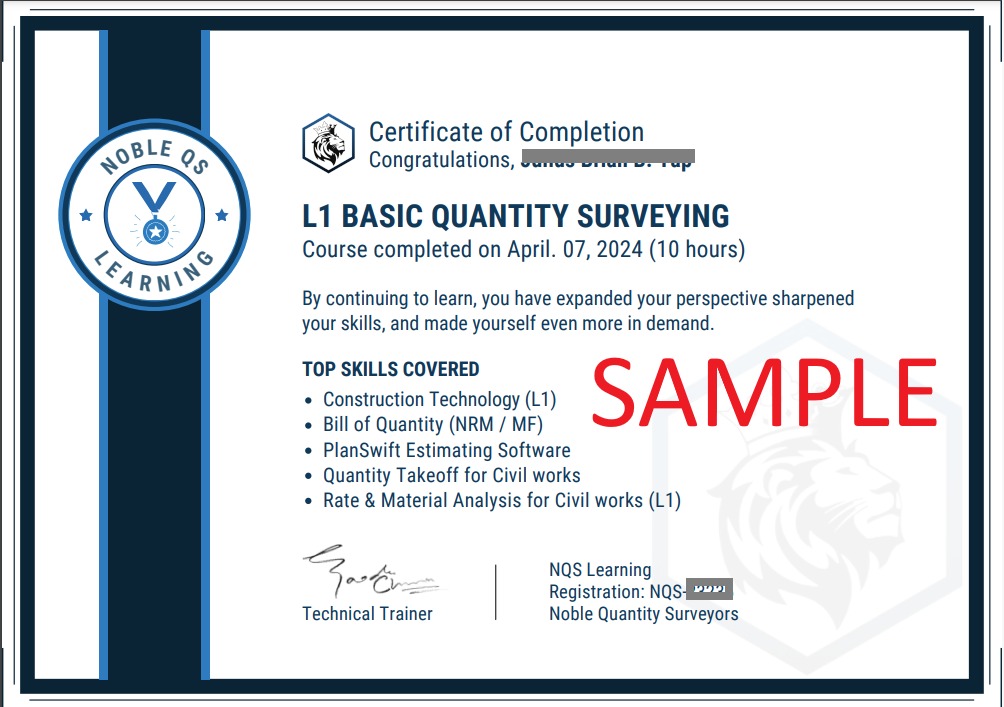
- Certificate of Completion
- Full Lifetime Access
- Resume Review
- Career Counselling
- FAQ Session with Trainer