What you will learn
-
SketchUp Basics
-
LayOut Documentation
-
Plugins & AI Tools
-
Advanced Rendering
-
Dynamic Components
-
Hands on practice on Barcelona Pavilion Project
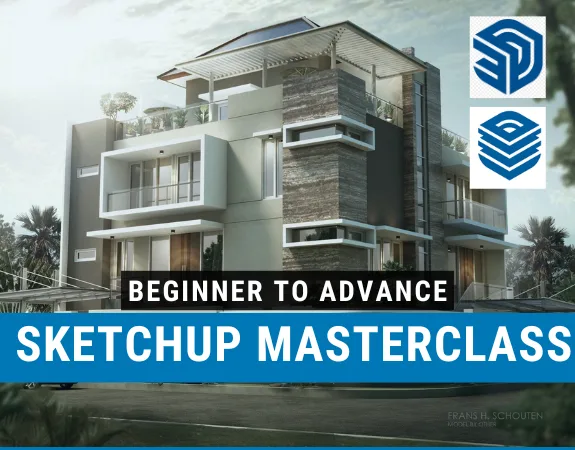
The SketchUp Pro & LayOut – Complete 3D Modelling and Architectural Visualization Masterclass is specially designed for architects, civil engineers, interior designers, 3D modelers, and AEC professionals who want to develop comprehensive skills in 3D modelling, architectural visualization, and professional construction documentation. Starting from the fundamentals and progressing toward advanced techniques, this course covers the complete SketchUp workflow, including 2D and 3D modelling, materials, styles, scenes, animations, terrain modelling, geolocation, dynamic components, plugins, and professional documentation using LayOut.
Whether you're working as an Architect, 3D Visualizer, BIM Modeler, Interior Designer, or Design Engineer for a client, consultant, contractor, or architectural firm, this course is perfect for you. It is also ideal for freelancers, students, fresh graduates, and professionals looking to develop their architectural modelling and visualization skills, whether they are beginners with no previous CAD experience or experienced users seeking a more flexible and creative 3D modelling solution.
Our expert trainer, Manuel Pallarés, is a freelance architect with over 10 years of professional SketchUp experience and extensive teaching experience in creative schools and architectural environments. He will guide you through a structured, hands-on learning experience equivalent to 30 teaching hours, combining practical exercises with real-world modelling techniques. You'll gain experience in workspace configuration, 2D and 3D drawing, advanced modelling tools, materials, components, tags, scenes, sunlight, terrain creation, Google Earth integration, Photo Match, animations, and third-party plugins. You'll also explore emerging AI-powered plugins and complete a practical modelling project of the iconic Barcelona Pavilion by Mies van der Rohe. Additionally, you'll learn to use SketchUp LayOut to create professional plans, elevations, sections, detailed drawings, presentations, and accurately scaled construction documents. The course also includes practical exercises, a 30-question assessment, and updates covering important improvements in newer SketchUp versions.
By the end of this course, you will be able to confidently create detailed 3D architectural models, develop realistic visual presentations, apply advanced modelling techniques, and produce professional 2D construction documentation using SketchUp Pro and LayOut. You'll also learn to streamline your workflow through plugins, automation features, and AI-assisted tools while developing the skills to handle architectural and visualization projects of varying complexity. You'll not only enhance your creative and technical capabilities but also significantly improve your professional opportunities and earning potential in the architecture, interior design, and AEC industry.
Note: If you're working toward APC, this course can help you claim CPD hours.

What is LayOut?
Preparing our document to layout
Setting up our document
Adding and editing dimensions
Adding labels
Hybrid mode
Adding lineweight and fill
Clipping mask
Drawing titles and scrapbook items
On every page and titleblocks
Updating and relinking the Sketchup model
Exporting a Layout document

No Discussion Found
5.0
1 Reviews

Kelvin Lord
8 months ago
I'm halfway through the course...I've been using SketchUp for 2 years now, but this course has taught me things I didn't know existed. The course is very professional. The teacher has a huge knowledge about the software and professional experience. I would recommend it to all the architect who want to elevate their skills to next level
Meet Your Instructor

Manuel Garcia Pallares
Editorial and Graphic Designer
About Instructor
My name is Manuel Pallarés. I am an architect from the University of Alcalá de Henares and the Sapienza in Rome. After finishing my studies and working in different studios, I specialized in graphic design through a master's degree at the Artes Creactivas school in Madrid, where I also began my career as a teacher. At the end of the master it turned out that they needed a teacher for the Photoshop, Indesign and Illustrator module and there I was. Since then my professional activity has been linked both to creative projects of different kinds (editorial design, graphic design, landscaping, architecture ...), but I have always had one foot in teaching. I have worked as a teacher at the Universidad Superior de Diseño de Valladolid (ESI). Also today I work as a teacher at the Creative Arts School of Madrid and I teach courses in the cultural space of La casa Encendida, in Madrid. The truth is that I love teaching! It is a great satisfaction to transmit your knowledge to another person and also we teachers also learn, because if you want to explain something well, you have to be very clear about it. I take teaching very seriously. I know how important a good teacher is at any given time. I hope that my passion for teaching reaches you through these online courses and I declare myself at your disposal for everything you need. A cordial greeting, Manuel Pallares
Empty Resources
Resources(8)
Noble QS_Default trays.zip
Noble QS_Special tools.zip
Noble QS_Utilities.zip
Noble QS_Layout.zip
Noble QS_Work project final.zip
Noble QS_Sketchup.zip
Noble QS_Drawing in 3D.zip
Noble QS_Work project.zip
$ 50.00
-
Course Duration15 h 32 m 15 s
-
Course LevelMedium
-
Student Enrolled4
-
LanguageEnglish
This Course Includes
- 8 Downloadable Resources
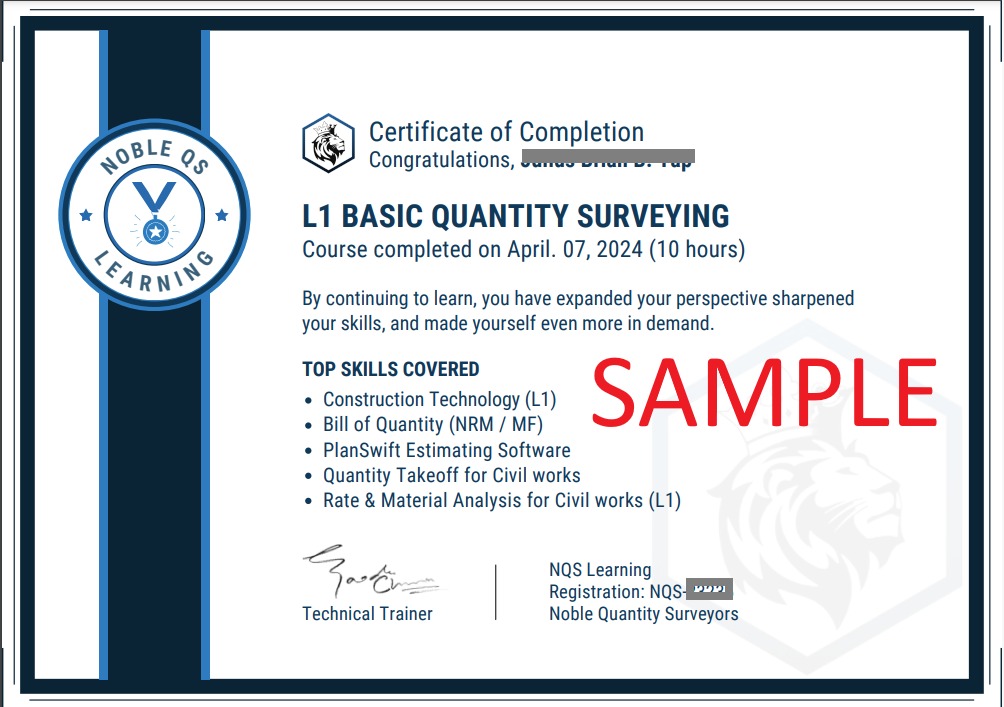
- Certificate of Completion
- Full Lifetime Access
- Resume Review
- Career Counselling
- FAQ Session with Trainer